
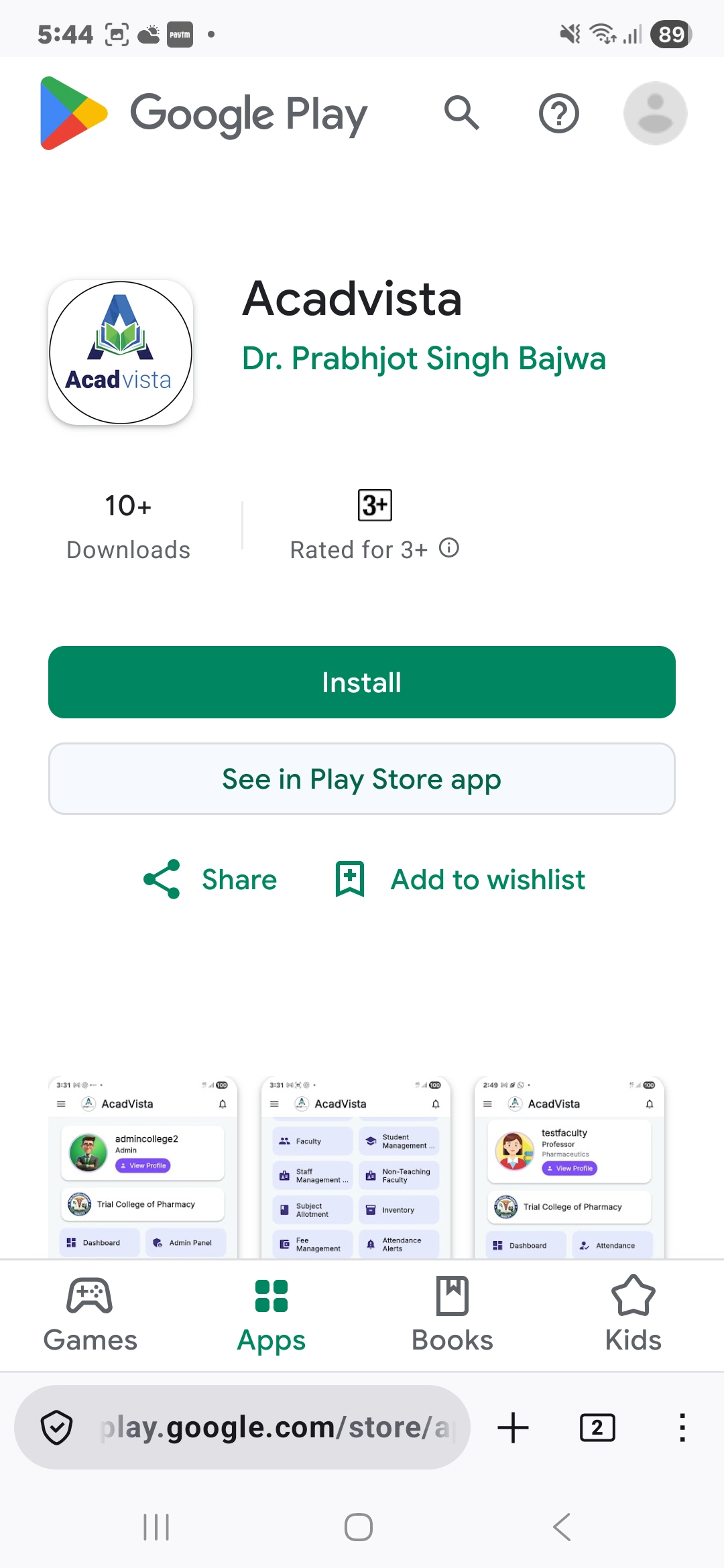
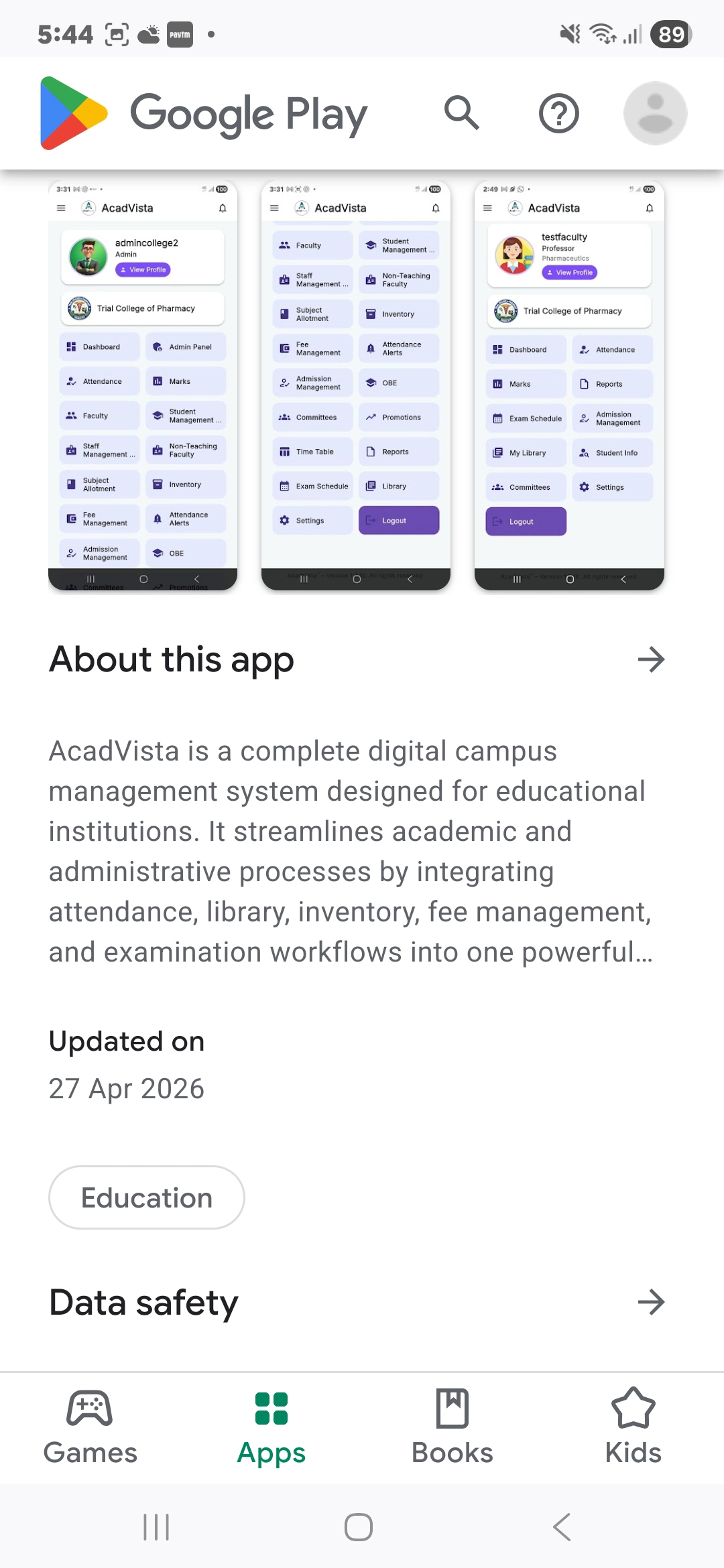
Attendance Management
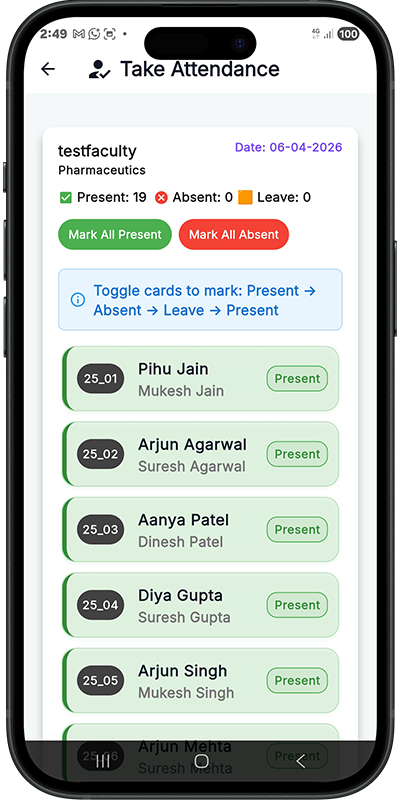
Take student attendance directly from your phone, view summaries, and generate period-wise and consolidated registers.
Attendance, marks, fees, timetable, OBE reports and more, all at your fingertips. Built for faculty, administrators, and students of colleges using AcadVista.
AcadVista brings the full power of the platform to your Android device, with no compromise.
Take student attendance directly from your phone, view summaries, and generate period-wise and consolidated registers.
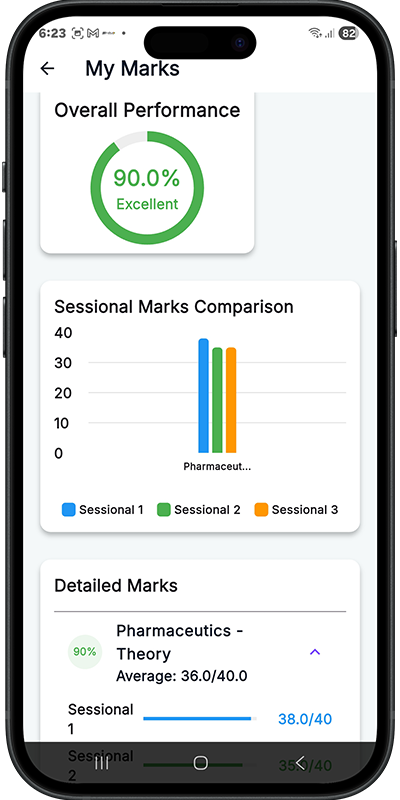
Enter sessional, internal, and practical marks. Export PDF mark lists and final assessment reports with a single tap.
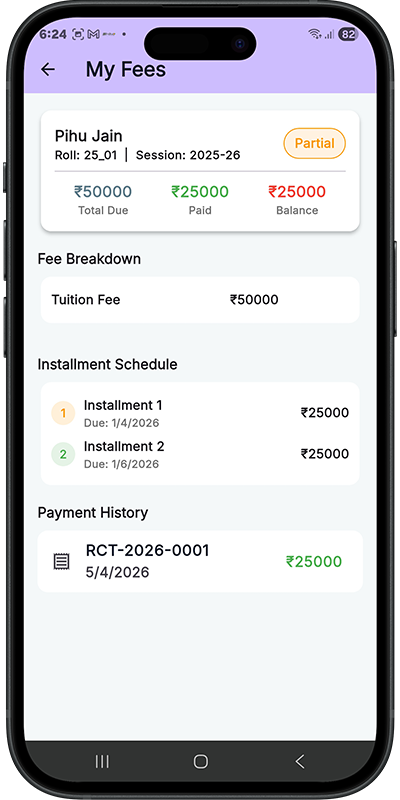
View and record student fee payments, track dues, and generate receipts, all secured to your college's database.
Faculty can upload PDF notes and video links per topic. Students access all study material for their enrolled subjects.
Generate Outcome-Based Education attainment reports: CO, PO, and program-level summaries compliant with NBA standards.
View class timetables and published exam datesheets. Administrators can manage and update schedules in real time.
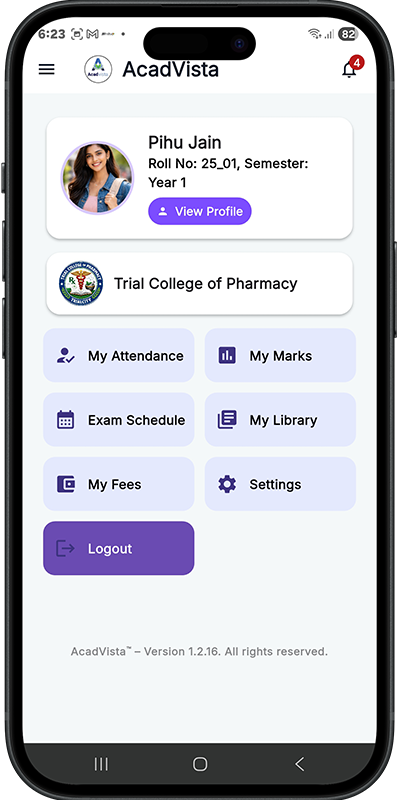
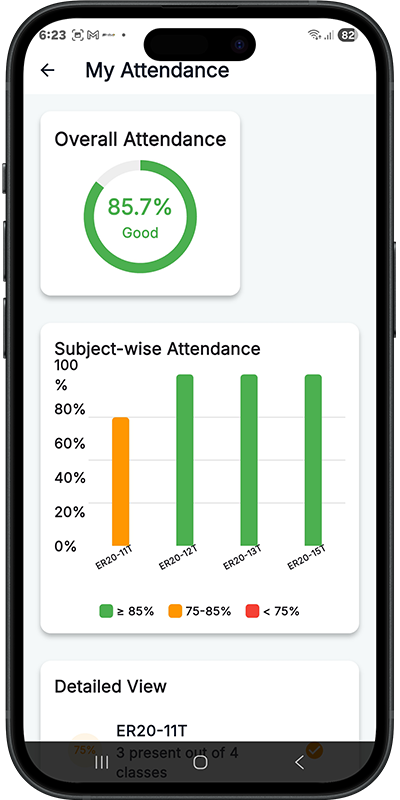
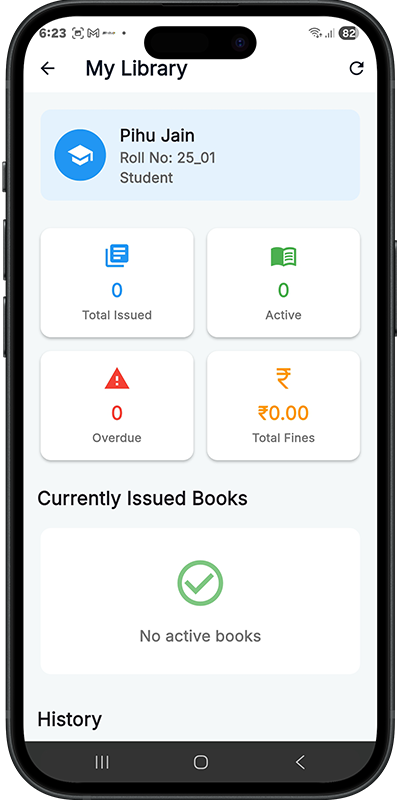
Faculty view their profile, subject allotments, and leave balance. Students track attendance, marks, fee, and library status.
Receive instant alerts for leave approvals, new exam schedules, and announcements from your institution.
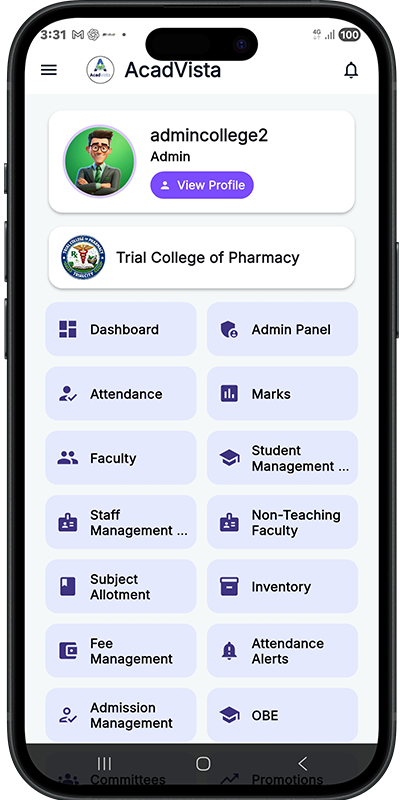
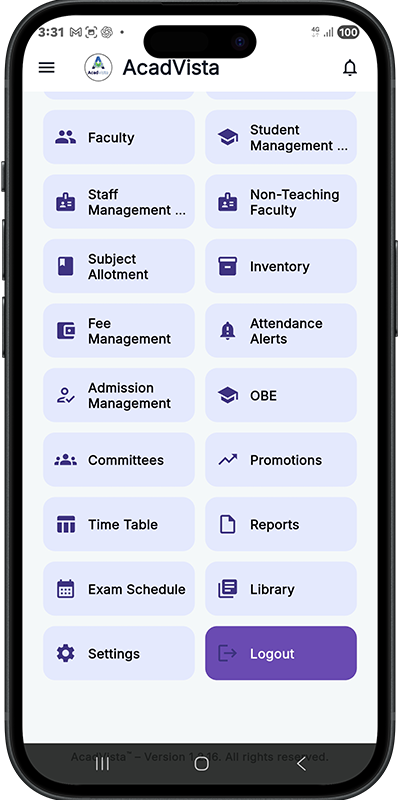
AcadVista adapts its interface based on who is logged in: one app for the entire campus.
Clean, intuitive screens designed for everyday college workflows.
Common questions about the AcadVista Android app.
Yes, the AcadVista Android app is completely free to download from Google Play. Access is tied to your college's subscription. Your institution administrator provides your login credentials.
Faculty can take and manage attendance, enter sessional and internal marks, upload learning resources (PDFs and links), apply for leave, view timetables, and access OBE attainment reports, all from the mobile app.
Students can view their subject-wise attendance, check marks entered by faculty, see their fee payment status, browse learning resources uploaded by teachers, and view exam datesheets.
AcadVista requires Android 6.0 (Marshmallow) or higher. It works on phones and tablets.
Yes! AcadVista is now available for both Android and iOS. Download the iPhone app from the App Store. The full web app is also accessible from any browser at acadvista.in.
Yes. AcadVista is built on Google Firebase with role-based access control. Each college has its own isolated database. All data is transmitted over HTTPS and authentication is required for every access.
Reach out to us at info@acadvista.in or call +91 99197 47709 for a demo and onboarding discussion.
Join faculty and students already managing their academics smarter.