
Attendance Management
Take period-wise attendance with a tap, review student summaries, generate consolidated registers, and push reminders for defaulters, all offline-capable on iOS.
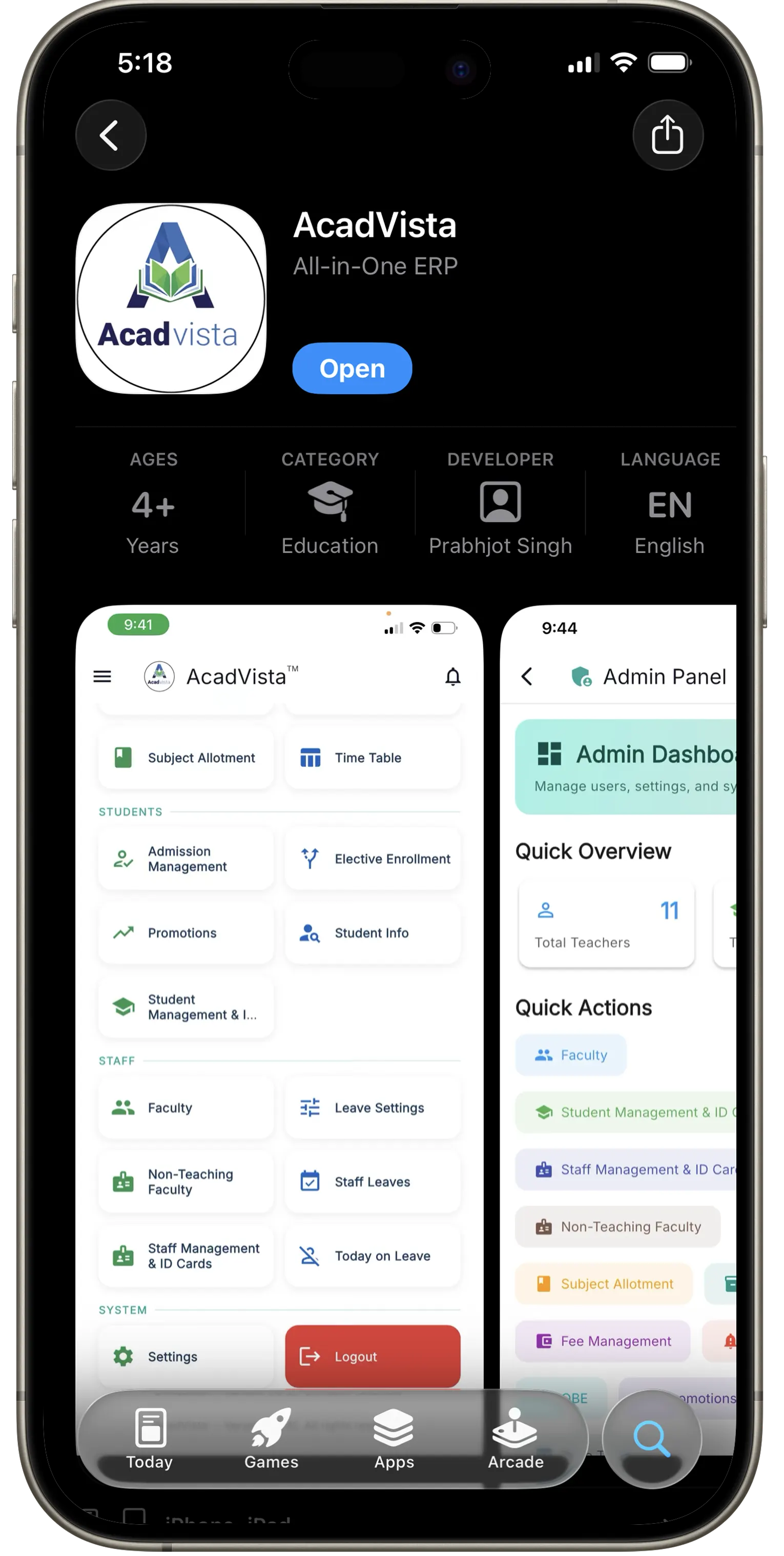
A beautifully crafted iOS app that puts attendance, marks, fees, timetables, and OBE reports right in the palm of your hand. Built for faculty, administrators, and students.
AcadVista delivers the complete feature set of the web platform, optimised for the speed and responsiveness iPhone users expect.
Take period-wise attendance with a tap, review student summaries, generate consolidated registers, and push reminders for defaulters, all offline-capable on iOS.
Enter sessional, internal, and practical marks from your iPhone and export formatted PDF mark lists and final assessment reports instantly.
View student fee dues, record payments, and generate receipts, fully secured to your college's isolated Firestore database.
Faculty upload PDFs and video links per subject topic from their iPhone. Students access the full study material library anywhere, anytime.
View and generate Outcome-Based Education attainment reports: CO, PO, and programme-level summaries compliant with NBA/NAAC standards.
Receive instant iOS notifications for leave approvals, new exam schedules, and institutional announcements, delivered natively through Apple Push Notification service.
View class timetables and published exam schedules at a glance. Administrators can update and publish schedules in real time.
One app, every role: admin, faculty, student, librarian, OBE coordinator. The interface adapts on login so every user sees exactly what they need.
Clean, intuitive screens built for everyday college workflows on iPhone.
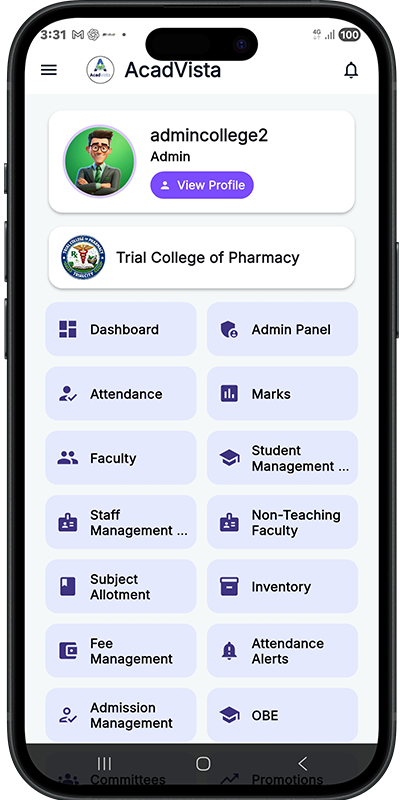
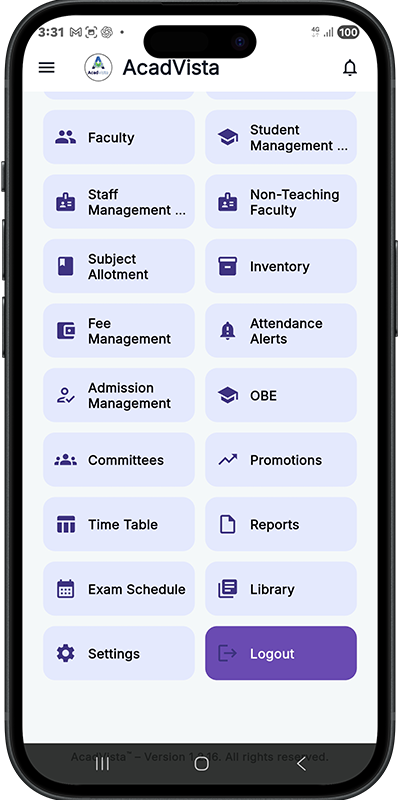
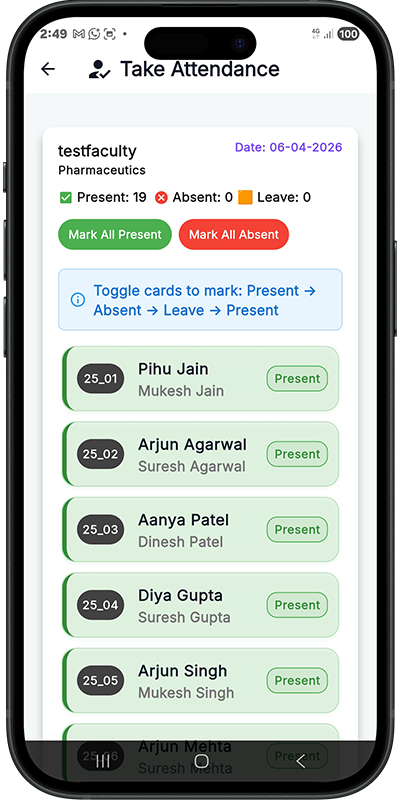
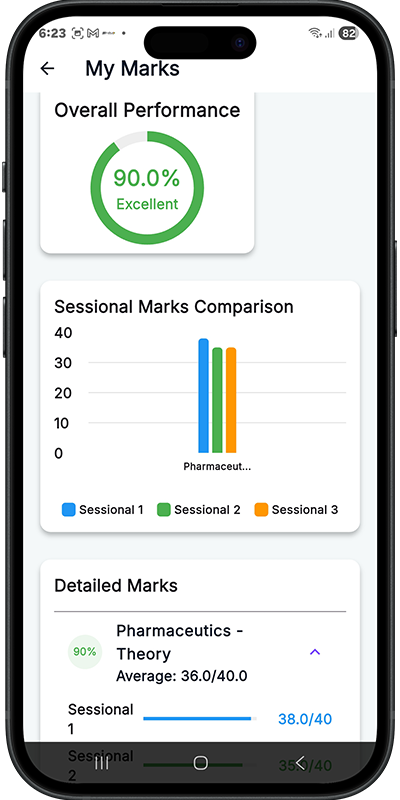
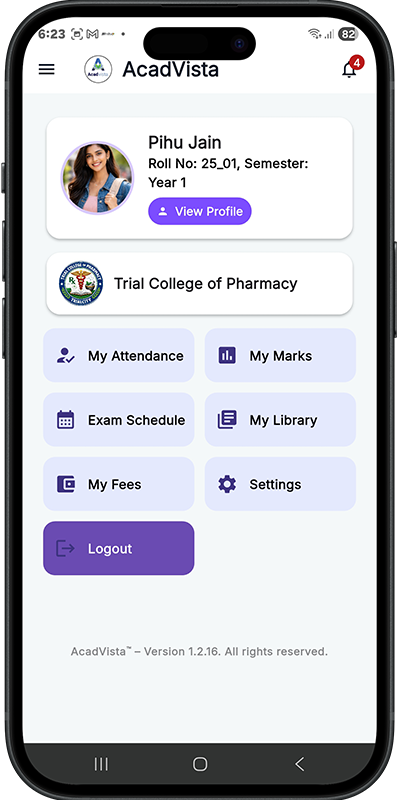
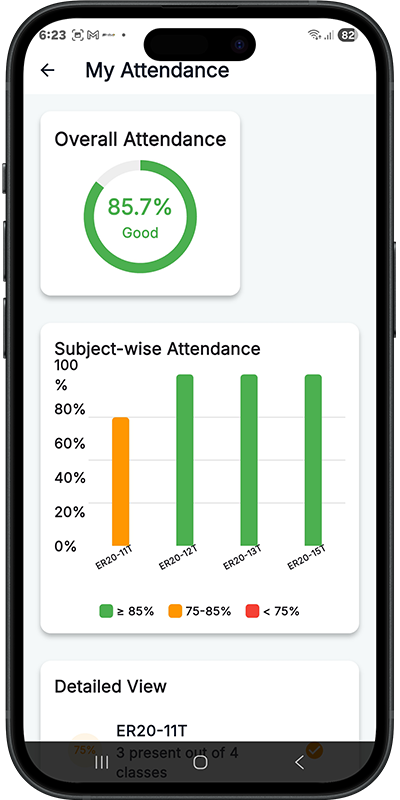
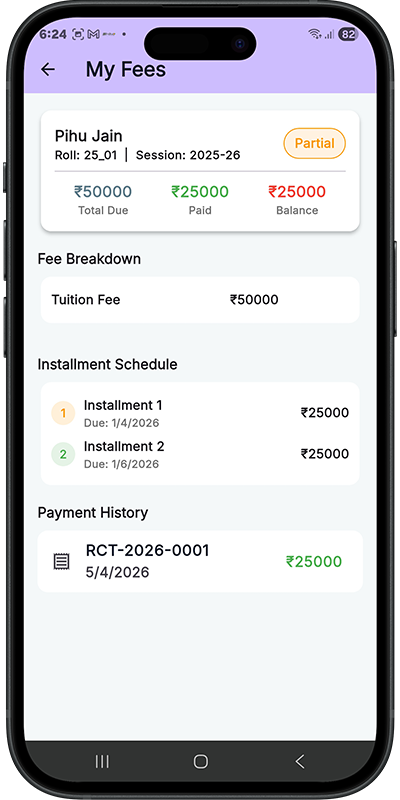
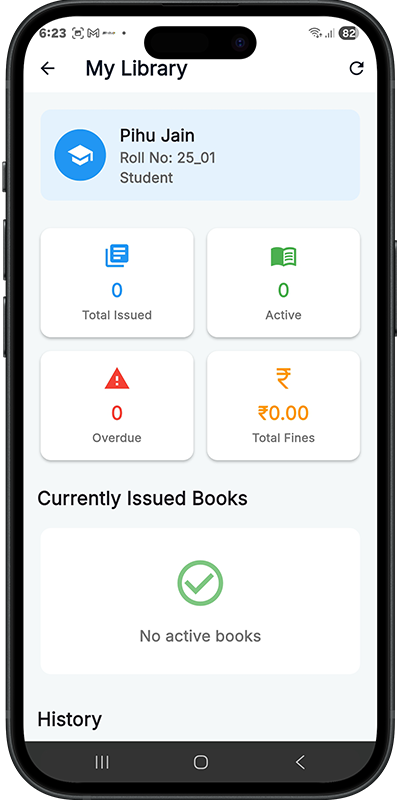
AcadVista on iOS is not just a port. It is a Flutter-native app that uses the platform's rendering engine for buttery-smooth 60 fps scrolling, crisp typography on Retina displays, and native APNs push notifications. Every interaction feels right at home on your iPhone.
Everything you need to know about AcadVista for iPhone.
Yes. The AcadVista iOS app is completely free to download from the App Store. Access is linked to your college's subscription. Your institution administrator will provide your login credentials.
AcadVista requires iOS 15.0 or later. It works on iPhone 6s and newer running iOS 15+, and also on iPads running iPadOS 15+.
Faculty can take and manage attendance, enter sessional and internal marks, upload learning resources (PDFs and video links per topic), apply for leave, view class timetables, and access OBE attainment reports, all from their iPhone.
Students can view subject-wise attendance with percentage breakdowns, check marks entered by faculty, see their fee payment status and dues, browse learning resources, and view their exam datesheet and timetable.
Yes. AcadVista is available on both iOS and Android. Visit acadvista.in/android-app to download the Android version from Google Play.
Absolutely. AcadVista is built on Google Firebase with strict role-based Firestore security rules. Each college has its own completely isolated database. All data is transmitted over HTTPS/TLS and every API call requires a valid authenticated session.
Contact us at info@acadvista.in or call +91 99197 47709 to arrange a demo and discuss onboarding for your institution.
Join faculty and students already managing their academics smarter, now on iOS.